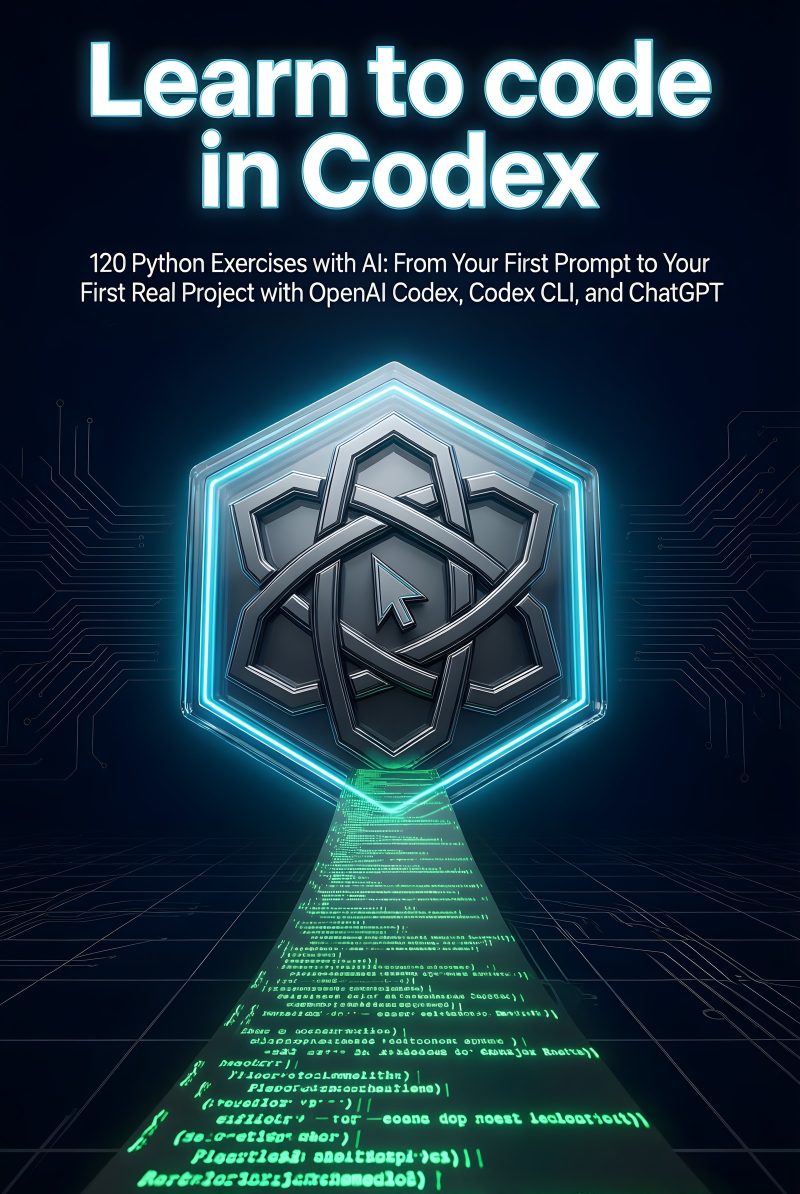
Learn to code in Codex
120 Python Exercises with AI: From Your First Prompt to Your First Real Project with OpenAI Codex, Codex CLI, and ChatGPT
By Fran Orellana
Where to buy
Synopsis
Read the beginning
From the chapter «Prepare your environment»
To do the exercises, you need four things:
A computer with an internet connection. A ChatGPT account to use Codex. Python installed. A place to write and save your files.
You do not need to know how to program. You do not need to pay to install Python either. The account and Codex features available to you may depend on your ChatGPT plan.
The simplest way to get started is:
Use Codex from ChatGPT, without installing an additional tool. Write the code in a text editor. Run it with Python from the terminal.
Later, you can use Codex CLI, which runs from the terminal. It is optional to begin with.
Before creating any code, prepare a folder that is easy to find.
On Windows:
Open File Explorer. Go to Documents. Right-click an empty space. Choose New > Folder. Type learntoprogram. Press Enter.
On macOS:
Open Finder. Go to Documents. Click File > New Folder. Type learntoprogram. Press Enter.
Each exercise will have its own files. You can create other folders inside this folder, such as exercise01, exercise02, and so on.
For now, you only need to create the main folder. Do not create the exercise files yet.
Python is the program that will run the code you write. Download it from its official website:
https://www.python.org/downloads/
Choose the stable version available for your operating system.
Open the installer you downloaded. On the first screen, check Add Python to PATH. Click Install Now. Wait for the installation to finish. Close the installer.
The Add Python to PATH checkbox allows you to run Python from the terminal. If you do not check it, Python may be installed, but the computer will not know how to find it easily.
Open the installer you downloaded. Follow the installation screens. Accept the recommended options. When the installation is complete, close the installer.
Some computers already have a version of Python installed, but it may be old. For these exercises, we will use a modern version of Python 3. […]
Table of contents
- How to Use This Book
- Prepare your environment
-
Getting Started with Python and Codex
- Exercise 1 · Run Your First Script and Say Hello
- Exercise 2 · Storing Data in Variables
- Exercise 3 · Read a value and convert it
- Exercise 4 · Calculating the Cost of a Purchase
- Exercise 5 · Deciding Whether an Entry Is Valid
- Exercise 6 · Formatting a Readable Summary
-
Decisions, Lists, and Repetitions
- Exercise 7 · Repeat a Menu Until Exit
- Exercise 8 · Saving Multiple Scores in a List
- Exercise 9 · Iterating Through a Task List
- Exercise 10 · Counting Matches with an Accumulator
- Exercise 11 · Extracting Information from a Text
- Exercise 12 · Generate a multiplication table
-
Functions and Data Structures
- Exercise 13 · Create a Function That Greets
- Exercise 14 · Passing Arguments to a Function
- Exercise 15 · Returning a Calculated Result
- Exercise 16 · Counting Words with a Dictionary
- Exercise 17 · Classifying records in a list of dictionaries
-
Resilient Files and Programs
- Exercise 18 · Reading a text file
- Exercise 19 · Saving a report to disk
- Exercise 20 · Saving and Loading JSON Configuration
- Exercise 21 · Process a CSV Table
- Exercise 22 · Catching a Conversion Error
- Exercise 23 · Validate Data Until It Is Received Correctly
-
Organized and Verifiable Code
- Exercise 24 · Separating Utilities into a Module
- Exercise 25 · Controlling the Entry Point
- Exercise 26 · Logging Program Events
- Exercise 27 · Checking results with assert
- Exercise 28 · Creating an Automated Test
- Exercise 29 · Fixing a Bug by Following a Trace
-
Programs That Receive and Query Data
- Exercise 30 · Reading Options from the Terminal
- Exercise 31 · Reading a Configuration from the Environment
- Exercise 32 · Querying a Public API
- Exercise 33 · Interpreting a JSON Response
- Exercise 34 · Handling Failed HTTP Responses
-
Professional Environment and Collaboration
- Exercise 35 · Creating a Reproducible Virtual Environment
- Exercise 36 · Pinning Project Dependencies
- Exercise 37 · Initialize a Repository and Make Commits
- Exercise 38 · Reviewing the diff generated by Codex
- Exercise 39 · Resolving a Simple Git Conflict
- Exercise 40 · Modeling an Entity with a Dataclass
- Exercise 41 · Separating an Application into Layers
- Exercise 42 · Documenting a Project’s Use
-
Final project: connected expense manager
- Exercise 43 · Defining the manager’s requirements
- Exercise 44 · Creating the Project’s Executable Skeleton
- Exercise 45 · Record a validated expense
- Exercise 46 · Persisting and Retrieving Expenses
- Exercise 47 · Filter expenses by period and category
- Exercise 48 · Importing Expenses from a CSV
- Exercise 49 · Adding Currency Conversion via an API
- Exercise 50 · Test, Document, and Deliver the Final Version
-
Solutions
- Solution 1 · Run Your First Script and Say Hello
- Solution 2 · Storing Data in Variables
- Solution 3 · Read a value and convert it
- Solution 4 · Calculating the Cost of a Purchase
- Solution 5 · Deciding Whether an Entry Is Valid
- Solution 6 · Formatting a Readable Summary
- Solution 7 · Repeat a menu until exiting
- Solution 8 · Saving Multiple Scores in a List